
GUIDE
How to Convert Excel to PDF Without Table Cuts
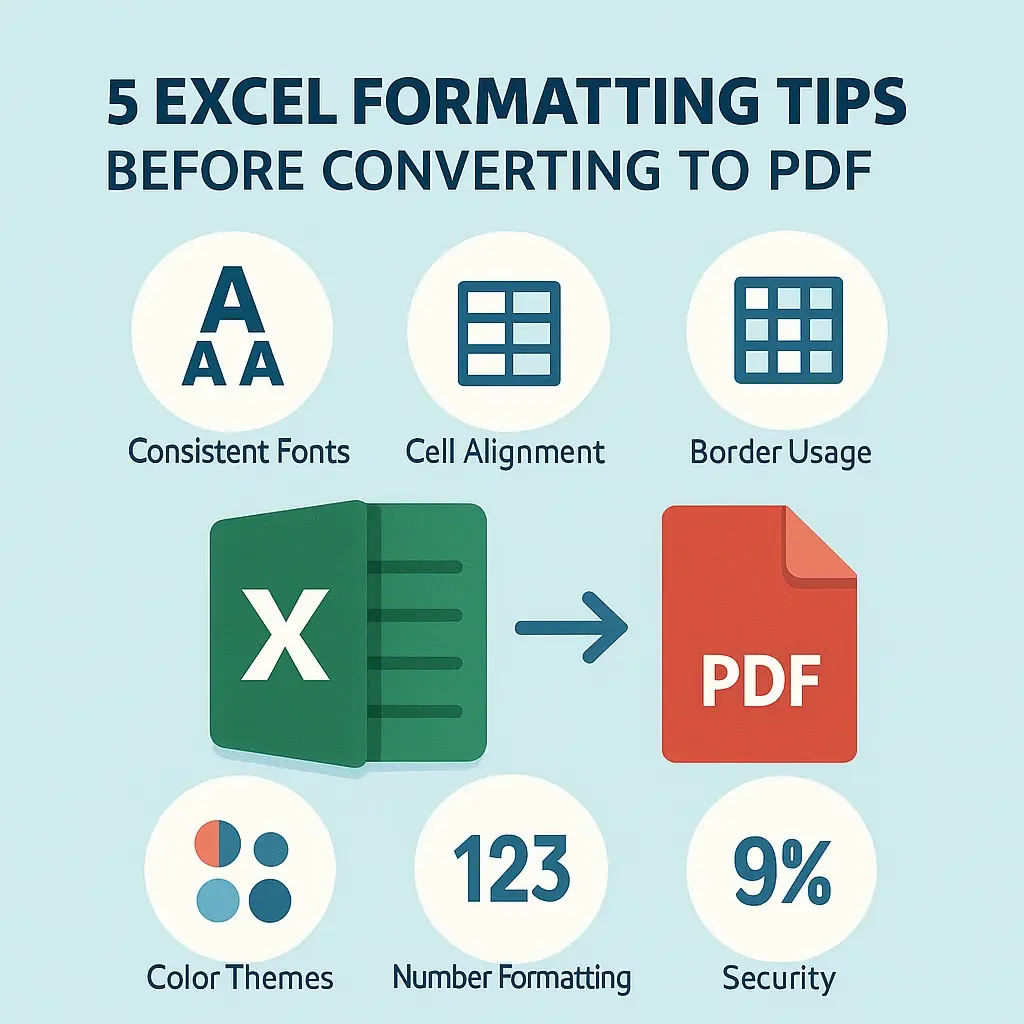
Have you ever spent ages perfecting an Excel spreadsheet, only to convert it to a PDF and find your beautifully organized tables savagely cut off across multiple pages?
Jun 23, 20252 min read
Most file converters online promise quick results — but often at the cost of clean formatting. You upload your Excel file, convert it to PDF, and end up fixing broken tables, page breaks, and layouts manually.
That's where FileTailored steps in.
FileTailored is a web-based document conversion tool designed to preserve your original formatting. Whether you're working with spreadsheets, Word files, or presentations, our tool ensures every converted file looks exactly the way it should. You can preview and download your PDF or documents after conversion.
You can convert Excel to PDF, Excel to Word, or even Excel to PowerPoint — all from your browser, without downloading anything.
This leads to cluttered documents, bad line breaks, and wasted time.
Easily convert spreadsheets to PDF cleanly using our Excel to PDF conversiontool. Preserve cell width, margins, and page breaks — so you can convert Excel without losing formatting or spending time fixing layouts.
FileTailored goes beyond being a mere spreadsheet application. Our Excel to Word converter,Excel to PPT converter, and the soon-to-be-released Word to PDF converterprovide accurate online file conversion with formatting across document types. We also plan to offer PDF editing support.
Our document conversion tool delivers polished, print-ready files with correct font rendering, spacing, and structure. Whether you're converting Excel or Word, the result is always clean, sharp, and professional.
With FileTailored, you get a lightweight yet powerful file converter online. Upload your file, apply features like convert Excel with page breaks, or fit sheet to one page, and download your formatted document in seconds.
Our platform runs entirely in your browser. No downloads, no extensions — just fast, secure, and accurate online file conversion with formatting control, accessible from any device.
We're building FileTailored not just as a file converter online, but as a full productivity platform. Here's what's ahead:
Users will be able to edit documents online before converting — directly in the browser. From Excel formulas to text formatting, no desktop apps required.
We'll offer a browser-based presentation tool to design and export slides. Combined with our Excel to PPT converter, it makes data-to-deck creation seamless.
Our smart engine will recommend the best layout and formatting for your documents based on their structure — whether reports, resumes, or presentations.
You'll be able to store preferences, track history, and ensure your formatting stays consistent across all future conversions.
With these upgrades, FileTailored aims to be your go-to workspace for structured, professional, and smart document conversions.
Have you ever spent ages perfecting an Excel spreadsheet, only to convert it to a PDF and find your beautifully organized tables savagely cut off across multiple pages?
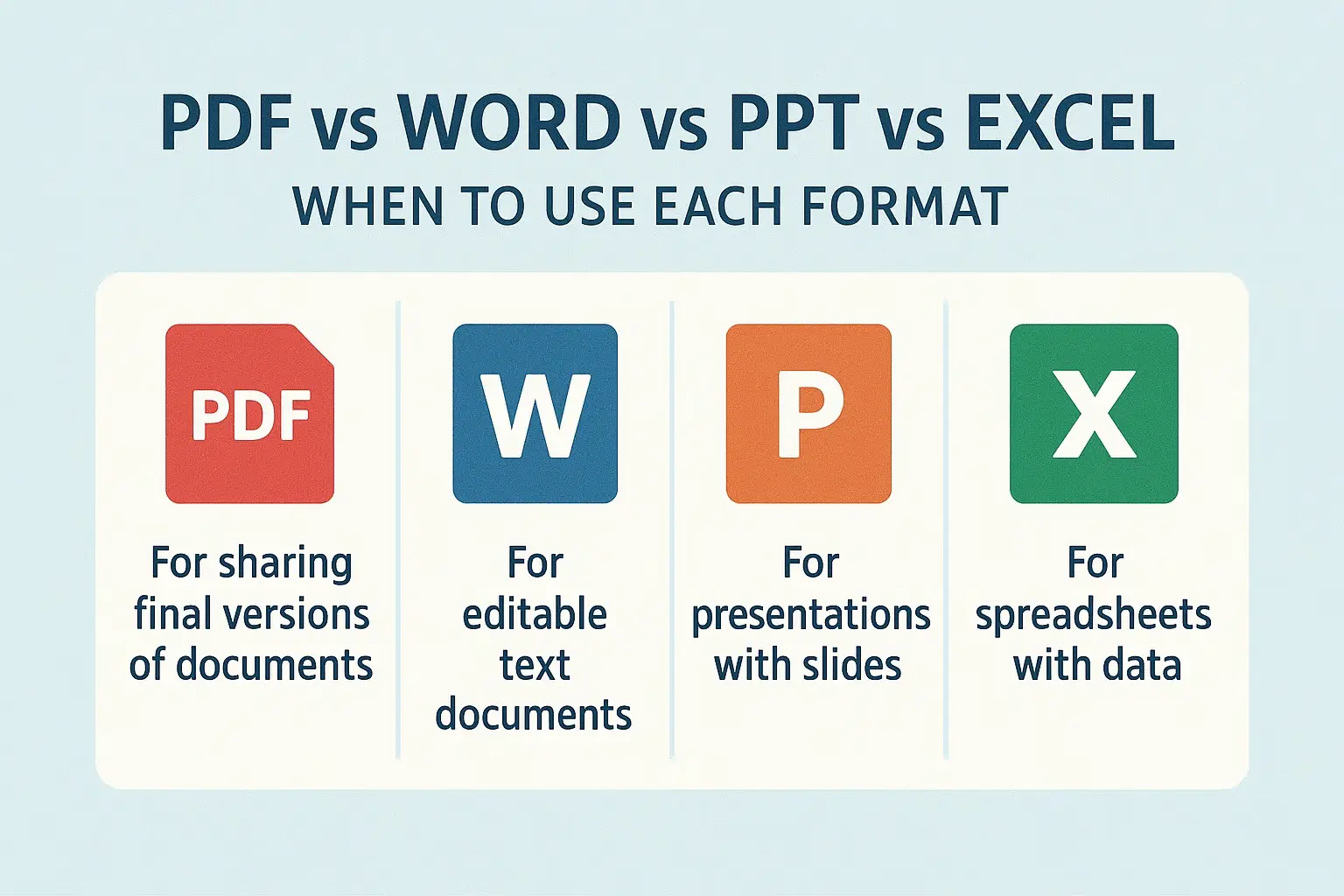
If you're a working employee who regularly manages large volumes of document conversions — Excel to PDF, Word, or PowerPoint — you've likely experienced the wastefulness firsthand...
Many professionals have faced this frustration: you carefully format your Excel sheet—add page breaks, align tables, adjust margins—and then convert it to a PDF, only to see everything fall out of place.
Tools like iLovePDF, Smallpdf, Sejda, or Online2PDF may offer quick results, but they often compromise layout. Instead of clean page breaks and structured columns, your output ends up looking chaotic and unprofessional.

Whether you're converting Word documents to Excel spreadsheets or saving your Excel sheet as a Word file, FileTailored provides a fast, accurate, and reliable solution.